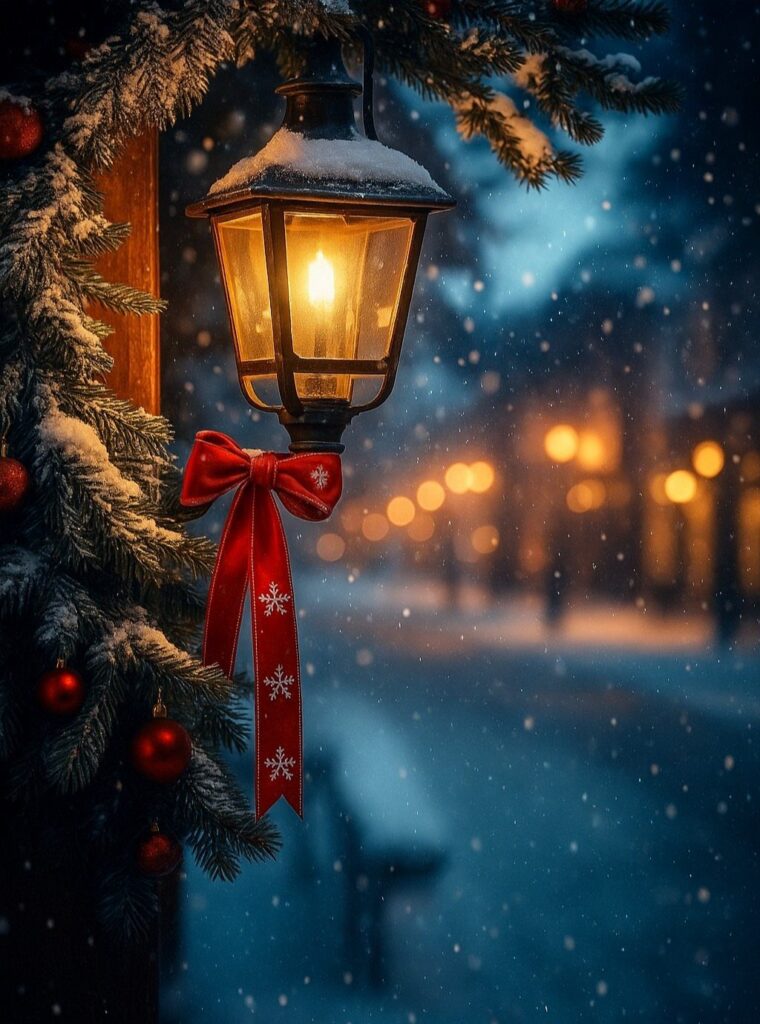
Which of these wallpapers suits your phone depends on where your clock and app rows sit, because they run from a calm candlelit blanket to a dense striped collage.
A busy picture needs a calmer patch behind the clock, while soft or dark backgrounds like the wreath or the hot cocoa mug with bokeh lights keep icon labels readable even on a full home screen.
Pick the look first, then check that the subject stays clear of the top third and the dock.
1. Cute Christmas Trees Wallpapers
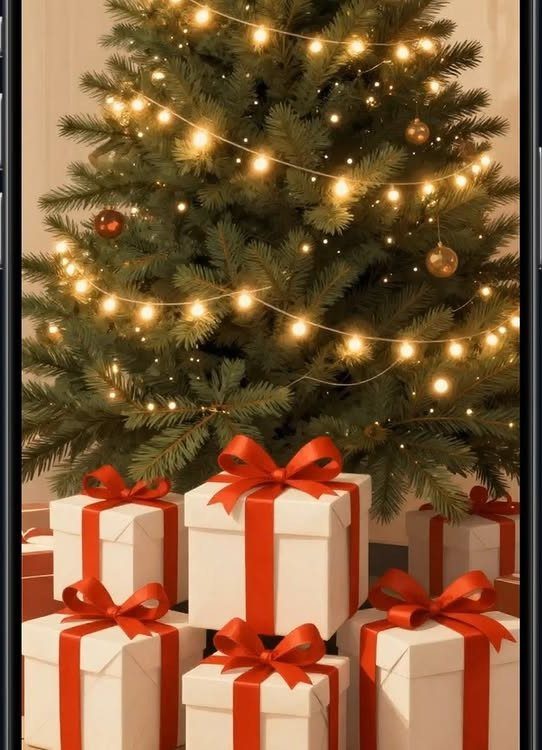
Warm string lights and gold ornaments give a tree wallpaper its glow, and the white gift boxes with red ribbons at the base add the one pop of color it needs.
I like this combination because the lights stay readable behind your app icons.
Pick a version where the tree sits in the center, so the clock doesn’t cover the top. Gifts along the bottom edge keep the dock area from looking empty.
2. Snow Christmas Wallpaper
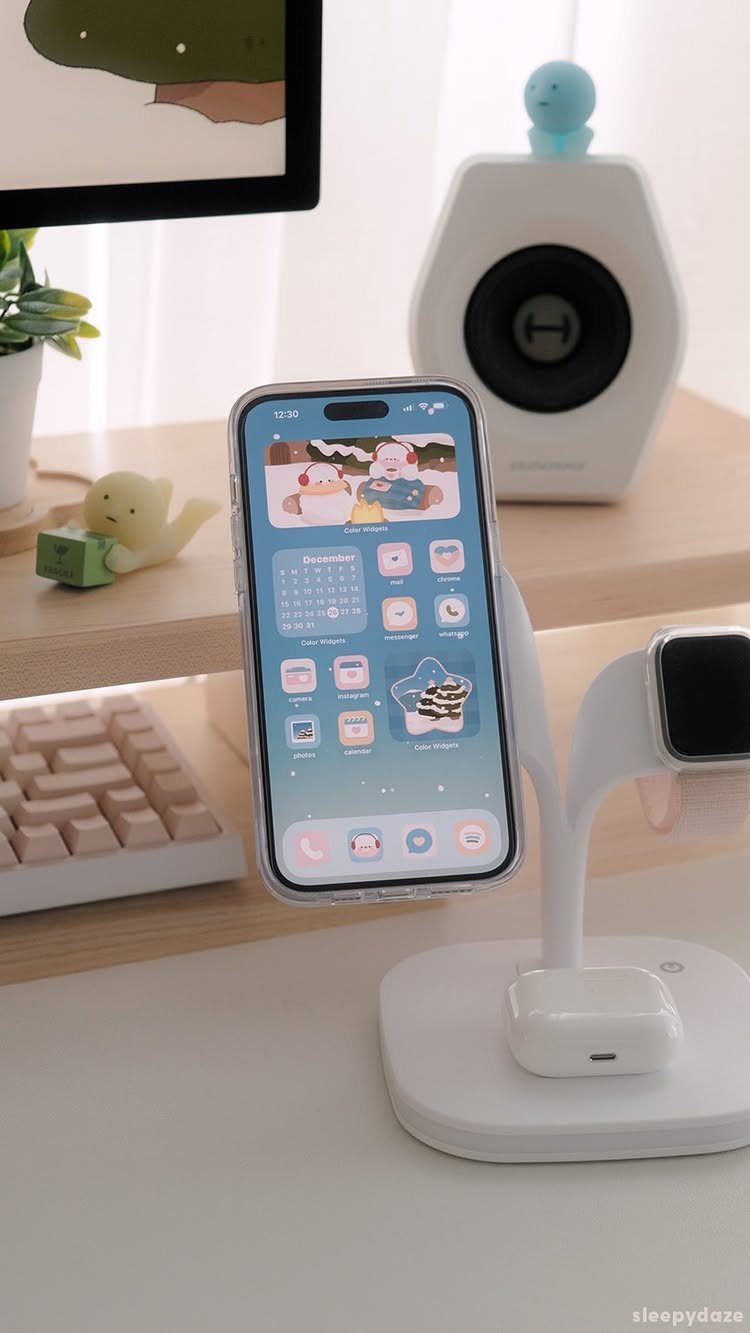
I would choose one with plenty of open white space, so icons stay easy to read.
Keep the characters low on the screen, away from the clock and widgets. Cold white backgrounds also pair well with a simple, dark-text home screen layout.
3. Cute Christmas Wallpaper with Hot Cocoa
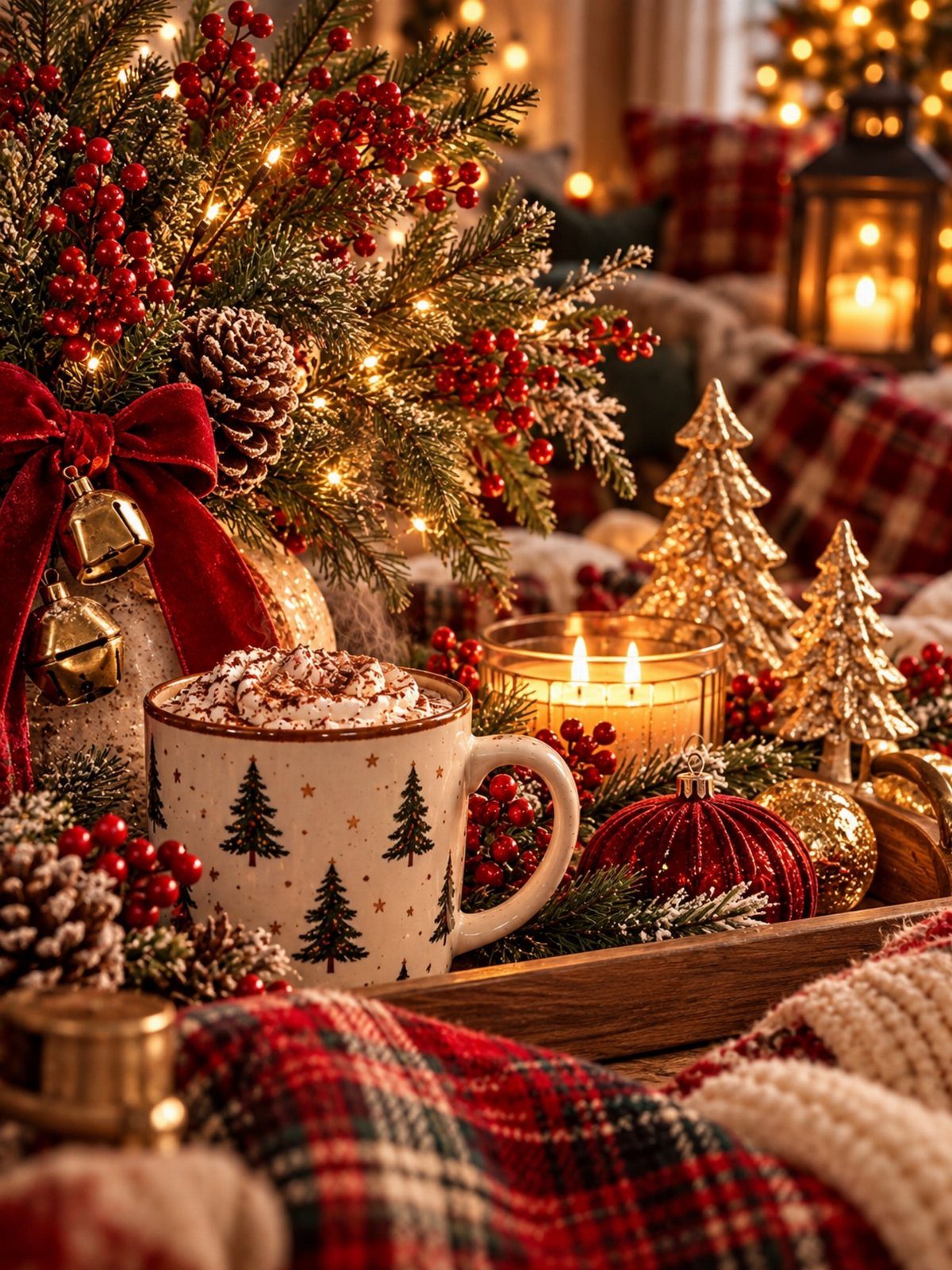
Hot cocoa topped with whipped cream is the coziest subject you can pick, and soft bokeh lights behind the mug keep the screen from feeling cluttered.
Choose a version with the mug placed low or centered. Blurred lights make a forgiving background, so even a full home screen of apps stays legible.
4. Christmas Phone Wallpaper Wreath Against Dark Background
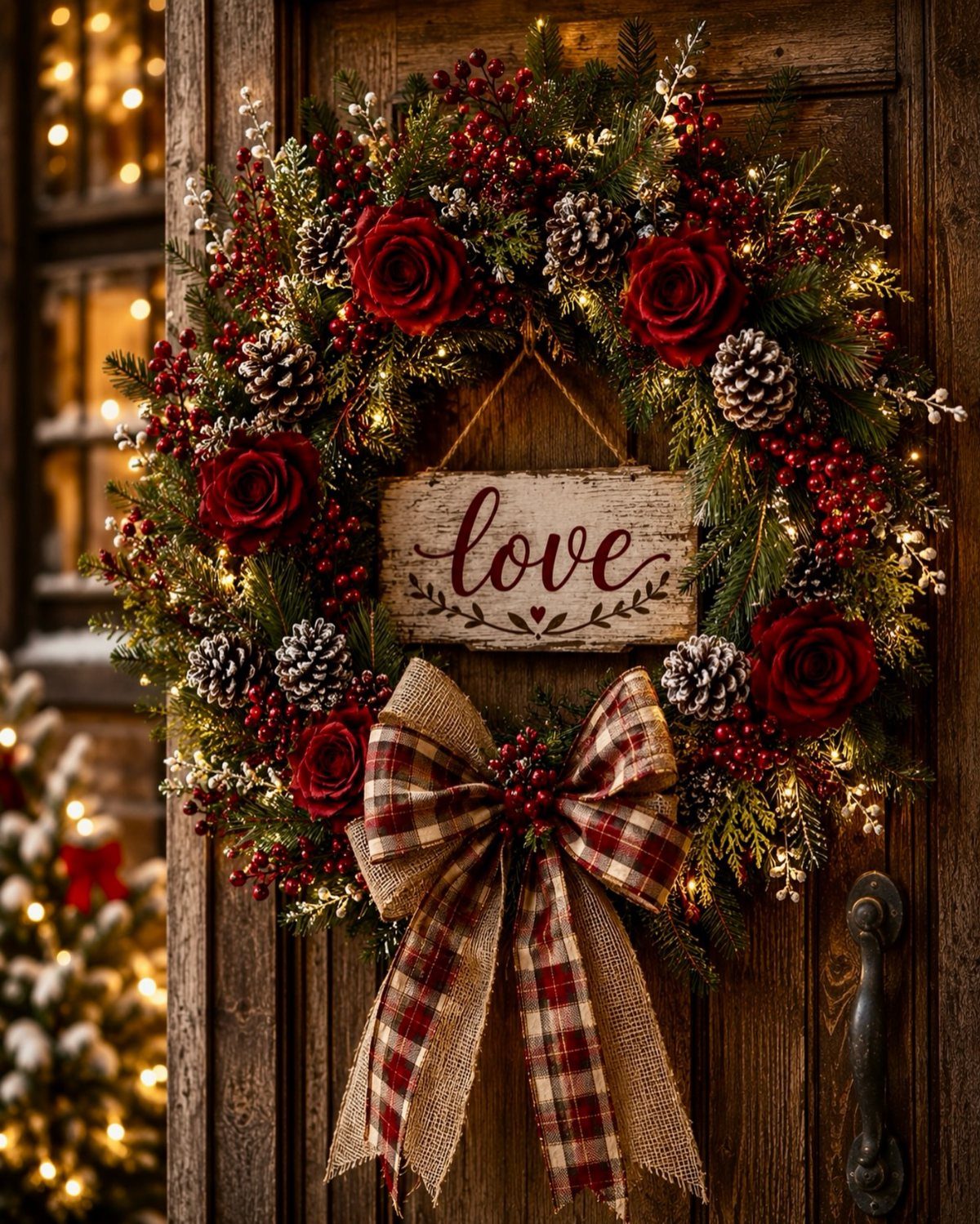
A dark background makes a wreath look richer, and red roses, pinecones and tiny lights stand out against it far better than against a pale door. The plaid bow at the bottom adds a country touch.
Dark wallpapers also keep icon labels easy to read, which matters more than people expect.
5. Cute Christmas Wallpaper with Santa

Cloudy skies and a bright moon make a good backdrop for white icon text, because the dark, even tones keep the labels easy to read.
I would pick a version where the sleigh crosses the lower half of the screen, so the moon stays clear of the clock. Simple and storybook-like beats busy and crowded here.
6. Cute Gingerbread Man and House
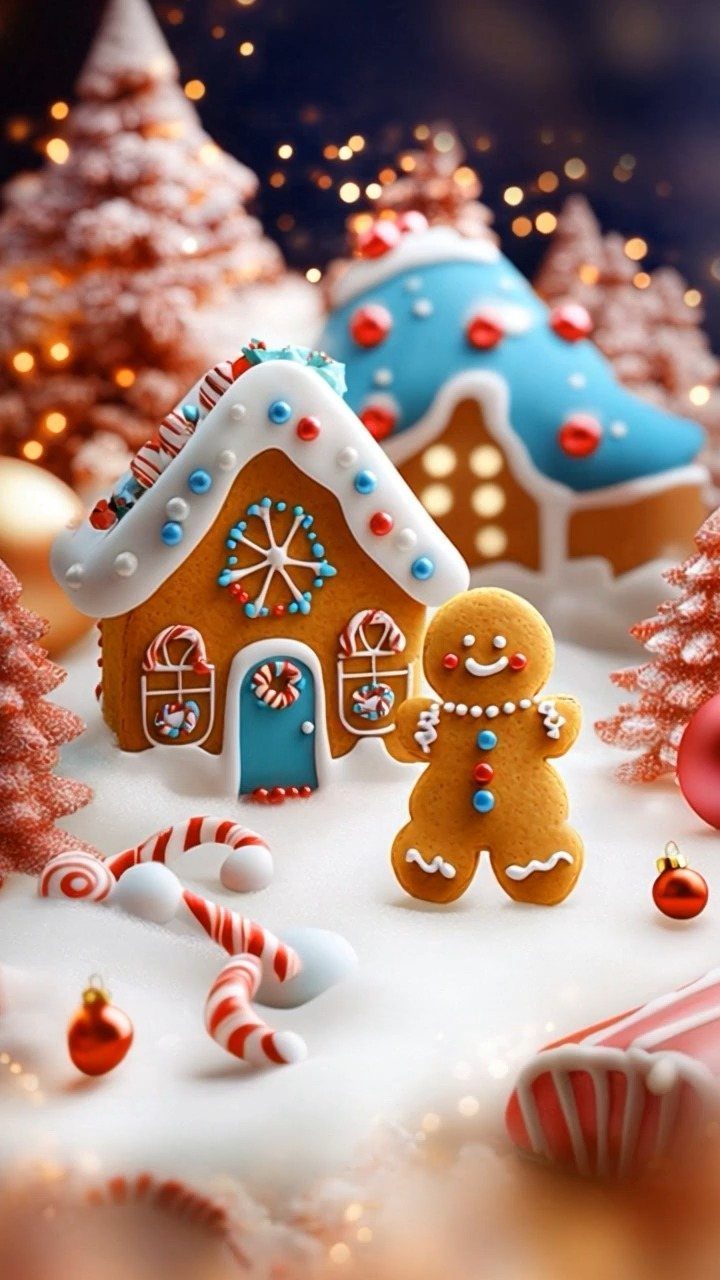
A gingerbread man standing beside a decorated house, with candy canes and frosted trees around them, is the sweetest option for anyone who wants cheerful rather than moody. The blurred festive background keeps the focus on the characters.
Pick one where the house sits near the bottom, so your app rows don’t hide the details. Bright candy colors against snow look best with a light, minimal icon layout.
7. Vintage Truck Christmas Tree Wallpaper
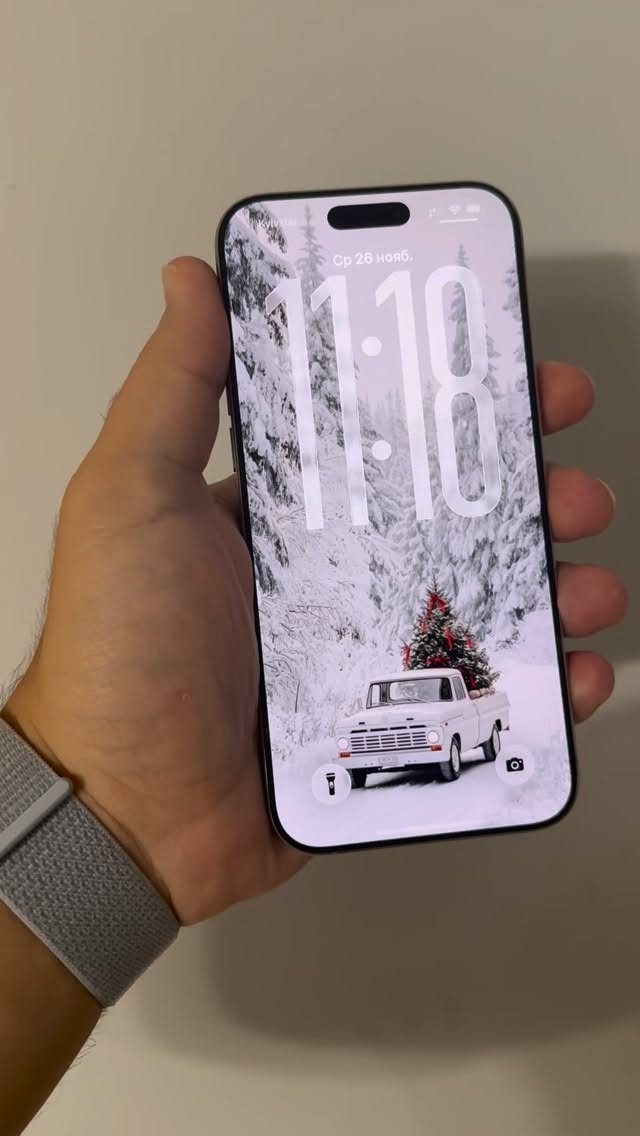
A white truck hauling a decorated tree through snowy woods tells a small story, and that makes it a lock screen worth choosing over a plain pattern. The pale truck and snow leave the darker trees to frame the scene.
Keep the home screen layout simple, since this one already carries plenty of detail.
8. Pink December Calendar Aesthetic Wallpaper
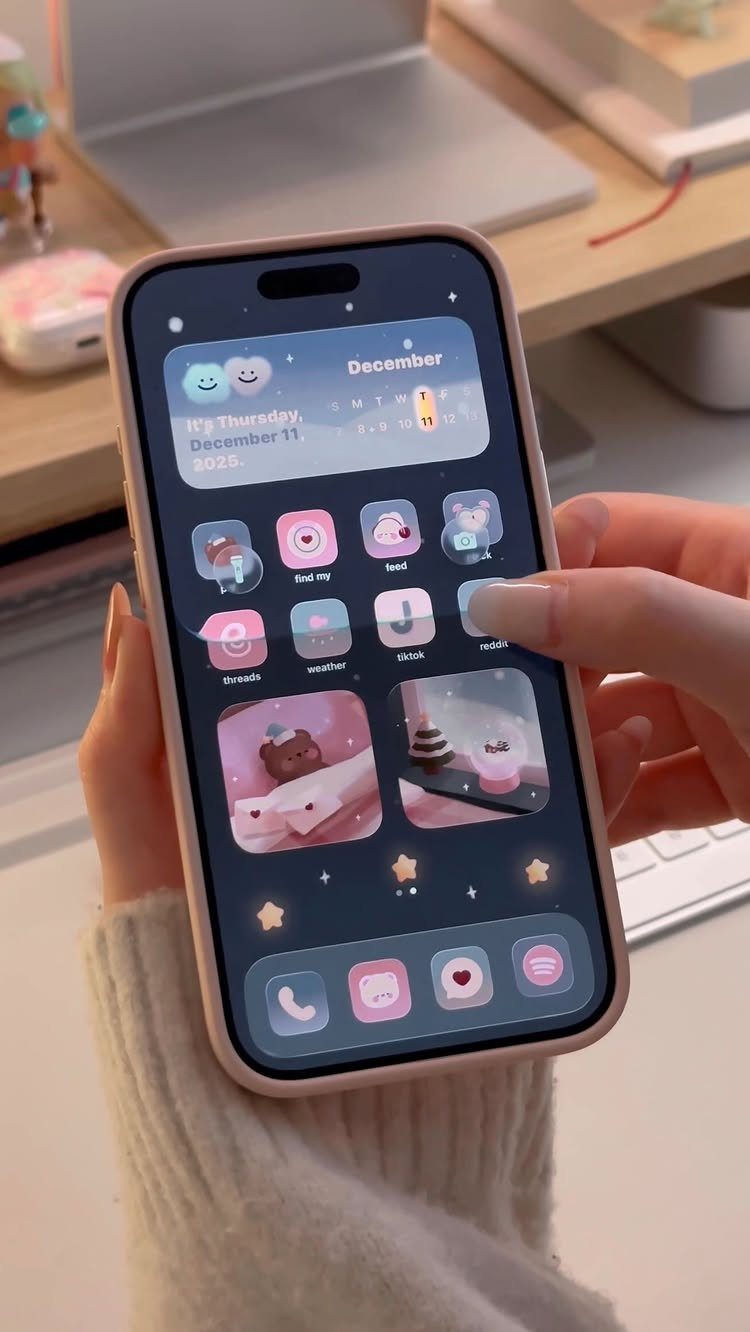
Soft pink with dark blue gives a December home screen a calm, grown-up look, and a calendar widget plus matching icons turns it into a full theme rather than a single image.
I prefer keeping the icon set to one or two colors so the stars and festive touches stay the focus. The dark blue helps labels stay readable against the pink.
Set the calendar where you check it most, so the theme earns its spot.
9. Festive Striped Holiday Collage Screen
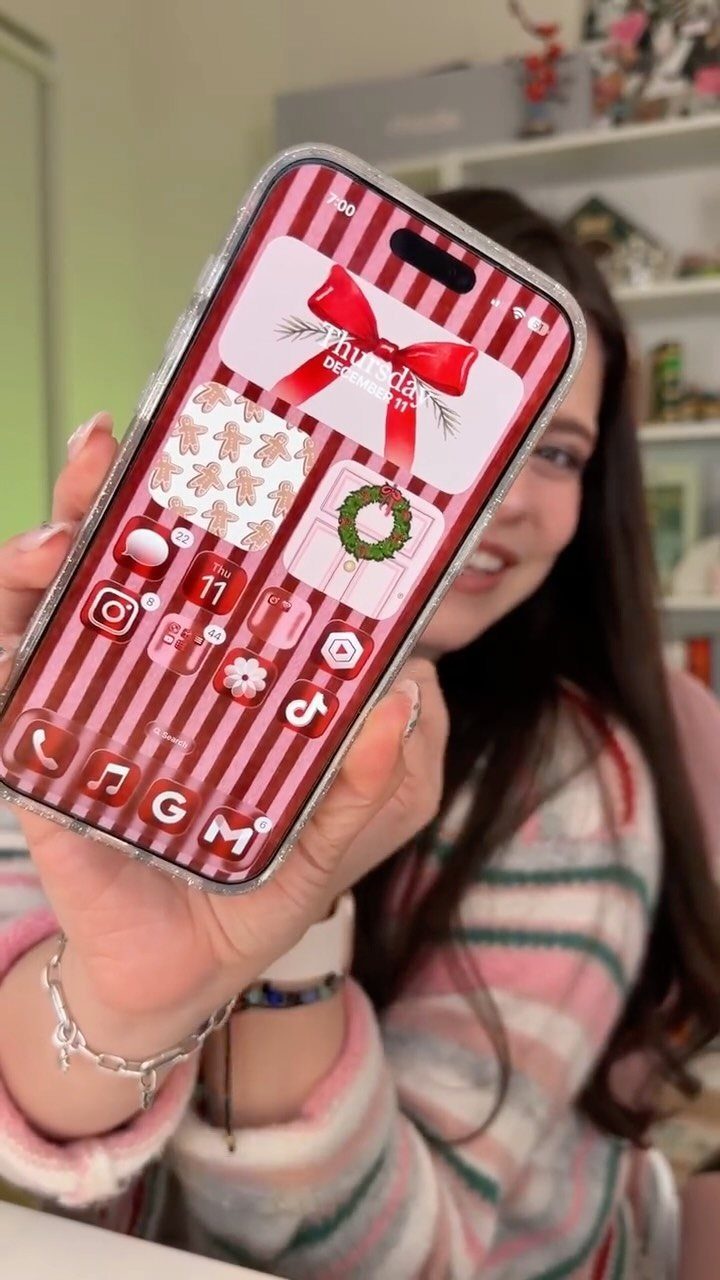
Candy stripes, bows and gingerbread packed into one collage make the busiest wallpaper of the bunch, and that is why I like it. It reads as pure holiday cheer.
Because the pattern is dense, choose a version with a calmer patch behind the clock, or the date gets lost. Red stripes can swallow white labels, so a minimal icon layout or a few folders helps.
10. Cozy Christmas Living Room Scene
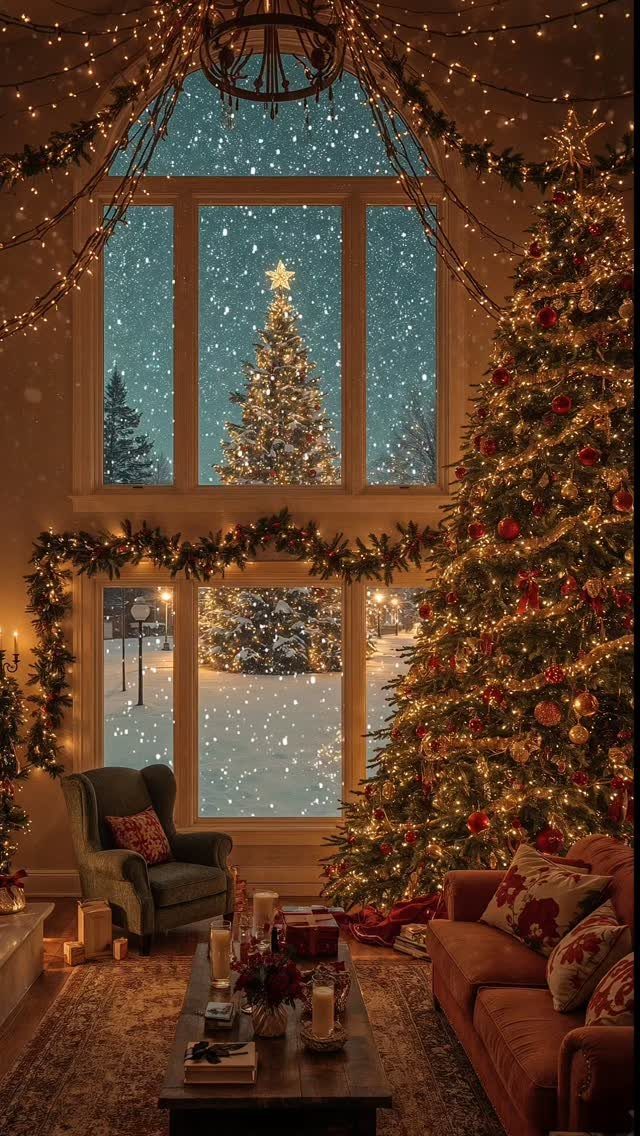
A decorated tree beside a window with snow falling on another lit tree outside gives a living room wallpaper real depth. Fairy lights add warmth without crowding the picture.
Pick one where the tree stands to the side, so your widgets don’t cover it. The sofa and chair sit low, which leaves the lower rows of apps a quiet backdrop.
11. Candlelight and Knitted Blanket Setup
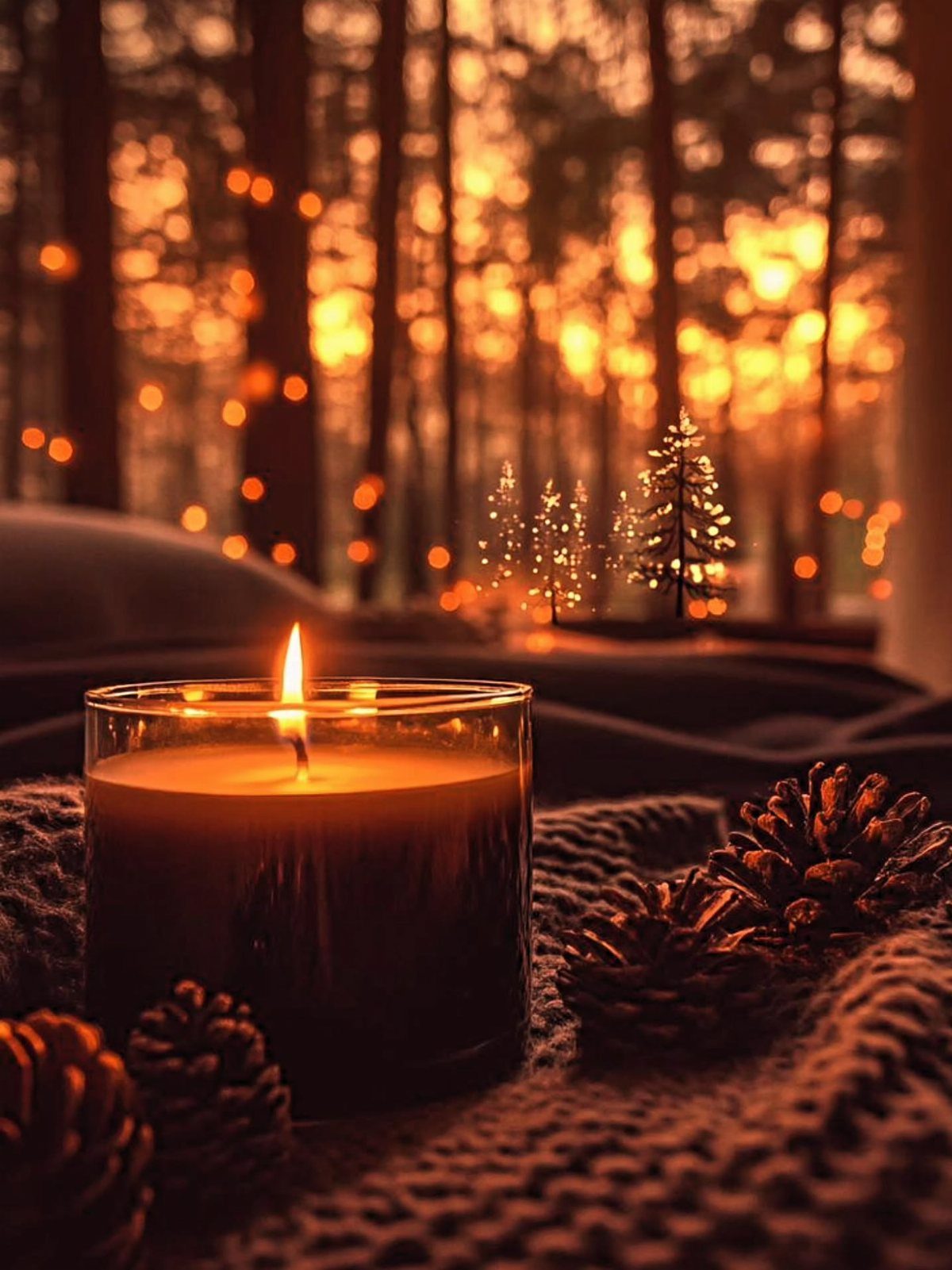
A lit jar candle with pinecones on a brown knitted blanket is the quietest idea in this group, and the blurred golden lights behind it keep it soft rather than dull.
Warm brown tones suit white icon text, and the small trees in the background add festive color without clutter.
12. Pink Christmas Porch Decor
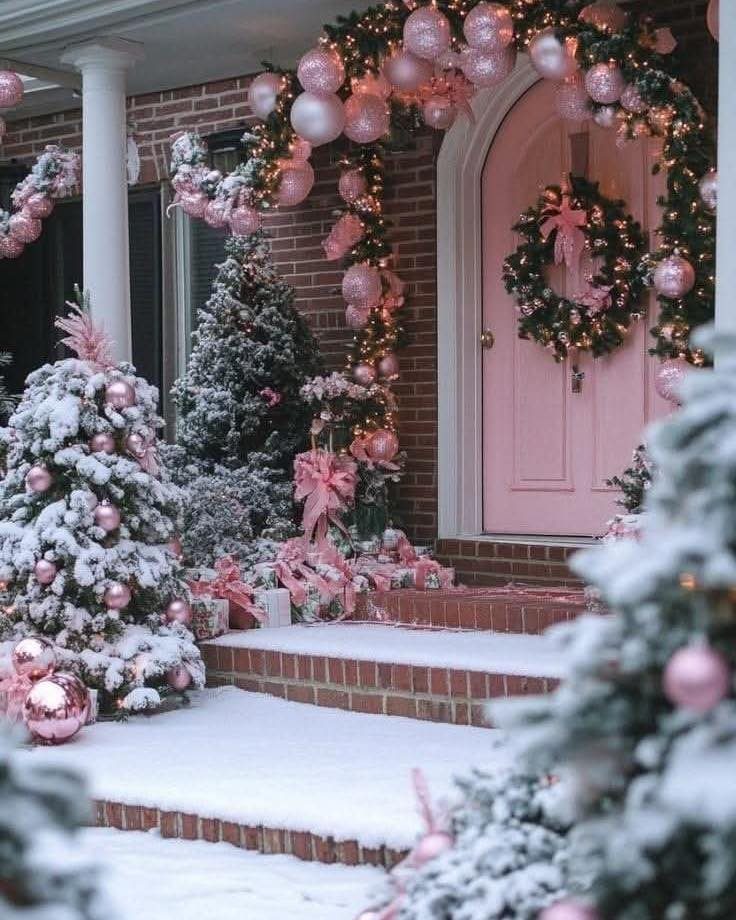
A pink front door, a bauble arch and a wreath in pastel tones turn a snowy porch into the sweetest entryway on the list. The snow-covered trees keep it from feeling too sugary.
Center the door and keep the arch clear of the clock, because the top third of the screen is where the time sits.
Pale pink and white call for a light icon layout, with dark text labels if your screen allows it.
How to Download Wallpapers
Tap the wallpaper you want to open the full-size image, then touch and hold it and choose the option that saves it to Photos.
When your browser offers a share sheet in place of a direct download, tap the option that saves the image to your phone.
From there, open Settings, tap Wallpaper, choose Add New Wallpaper, open Photos, and pick the image you just saved.
Tap Add, then choose Set as Wallpaper Pair to use it on both screens. To give your apps a different picture or look than the Lock Screen, tap Customize Home Screen.
If your menus look a little different, your iOS version may be the reason.
Personal Use Only
Every wallpaper here is for personal use only. Save it to your own phone and enjoy it there.
Please don’t repost the files or sell them. The images belong to their creators, and sharing the page link is the better way to pass one along to a friend.
Switching Wallpapers
You don’t have to commit to a single wallpaper for the whole season. Photos can hold as many favorites as you want, so rotate them through the month whenever you feel like a change.
At that point, skip Set as Wallpaper Pair and tap Customize Home Screen.
A simple plan is to start the month with one look and swap it a week or two before the holiday. Keeping your saved favorites in one album makes the change take under a minute.
Frequently Asked Questions
What are some good Christmas backgrounds for my iPhone?
Gingerbread, snow, Santa, hot cocoa and decorated trees are the popular picks.
For a home screen that stays readable, I’d choose a dark wreath scene or a snowy one with lots of open white space, since icon labels stay clear against both.
A blurred-light cocoa mug also works, because the soft background hides clutter.
What are some cute Christmas wallpapers?
A glowing tree strung with warm lights and gold baubles is a safe pick, and so are a mug of cocoa under a swirl of whipped cream or a gingerbread man standing by a candy-trimmed cottage.
A pink porch with a bauble arch is another sweet choice. Pick whichever matches your mood: cheerful and bright for gingerbread, cozy and soft for cocoa.
Where can I get nice iPhone wallpapers?
Free Christmas wallpapers are easy to find on websites dedicated to phone backgrounds. Tap the image to open it at full size before you save it, since the screenshot of a page comes out softer and carries extra browser clutter.
Wallpapers are usually for personal use, so save them to your own phone and share the page link instead of the file.
How do I keep a Christmas wallpaper from covering my icons and the clock?
Choose a design with the main subject low on the screen or off to one side, so the clock and widgets sit over a calm area.
Dark or blurred backgrounds keep icon labels readable, while busy patterns work better with a minimal layout or a few folders. Dense collages are the hardest, so look for a quieter patch behind the time.
Can I switch Christmas wallpapers during the season?
Yes, you can swap them as often as you like. Starting December with one design and swapping in a second around the 15th keeps the season from feeling stale.